
AI Image Humanizer
Make an AI-generated picture look like a real photo taken by a person. Your first image is free, no sign-up.
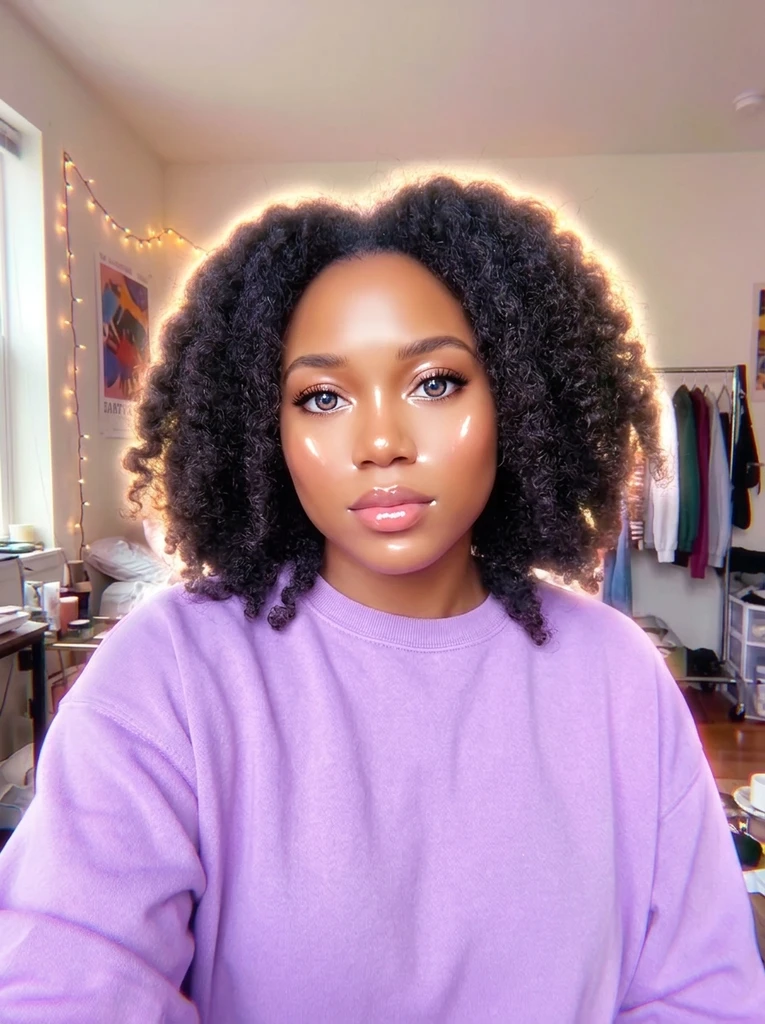 Before
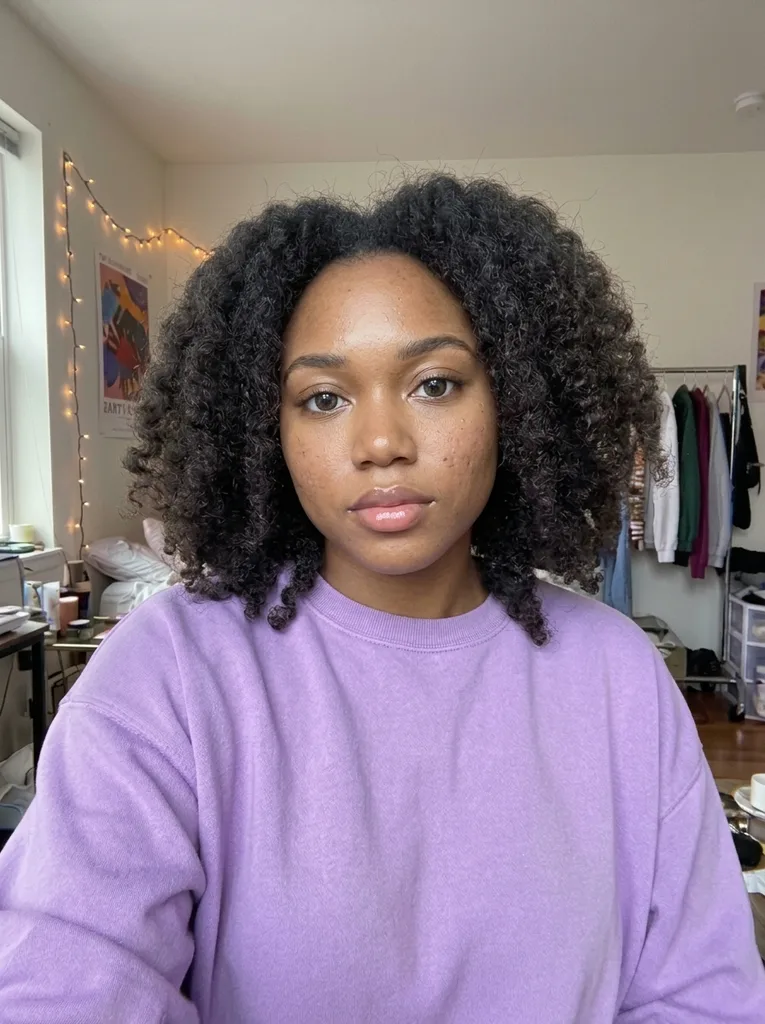 After
Example result. Upload your photo to make yours.
What an AI image humanizer does
One pass that swaps the synthetic finish for a photographic one.
An AI image humanizer takes a picture an AI generator made and redraws it so it reads as a photo someone took. It aims at the usual giveaways: waxy, airbrushed skin, glossy plastic highlights, oversaturated color, glowing edges, dreamy haze and symmetry that is too perfect.
In their place it adds real skin texture with pores and fine lines, natural hair strands, believable imperfect lighting and real camera optics. You choose the camera look first: a phone snapshot, a full-frame camera shot or a 35mm film frame.
It is a generative edit, so the picture is redrawn rather than filtered. The subject, pose, clothing and framing are what it aims to keep. Compare the result with your original before you use it.
Made for
- AI portraits
- Profile photos
- Creator content
- Product mockups
- Character art
How to humanize an AI image
- 1
Upload the AI image
Drop in one JPG, PNG or WebP up to 10 MB, or click to choose it. A picture with a clear person or scene in plain view works best.
- 2
Pick a look
Choose Phone Photo, Camera Photo or Film Photo. Optionally add a note in the Describe the changes box, up to 500 characters, such as keeping the background as it is.
- 3
Humanize and download
Press Humanize Image. The result appears beside your original so you can compare faces, hands and small details. If it looks right, press Download.
Humanizer vs re-prompting vs retouching
Pick by what your image needs, not by the longest feature list.
| This tool | Re-prompt the generator | Manual retouching | File-signal tools | |
|---|---|---|---|---|
| What changes | The picture is redrawn with a photographic look | A whole new image | Only what you paint over | Noise, compression and metadata of the file |
| Same subject | Aims to keep it | Usually a different image | Yes, you control it | Yes, pixels barely move |
| Skin and light | Texture and lighting are redrawn | Depends on the new prompt | Rebuilt by hand, slowly | Grain is added, skin stays smooth |
| Choice of look | Phone, camera or film | Whatever you can word | Whatever you can do | Strength and layer settings |
| Skill needed | Upload and click | Prompt writing and luck | Editing skills and time | Reading detector scores |
| Best when | Skin and light look fake | The idea itself is wrong | One small area is off | You need file-level changes |