
Unblur Image
Unblur image files in one click: upload a shaky or out-of-focus photo, press the button, download a sharper one. One free image, no sign-up.
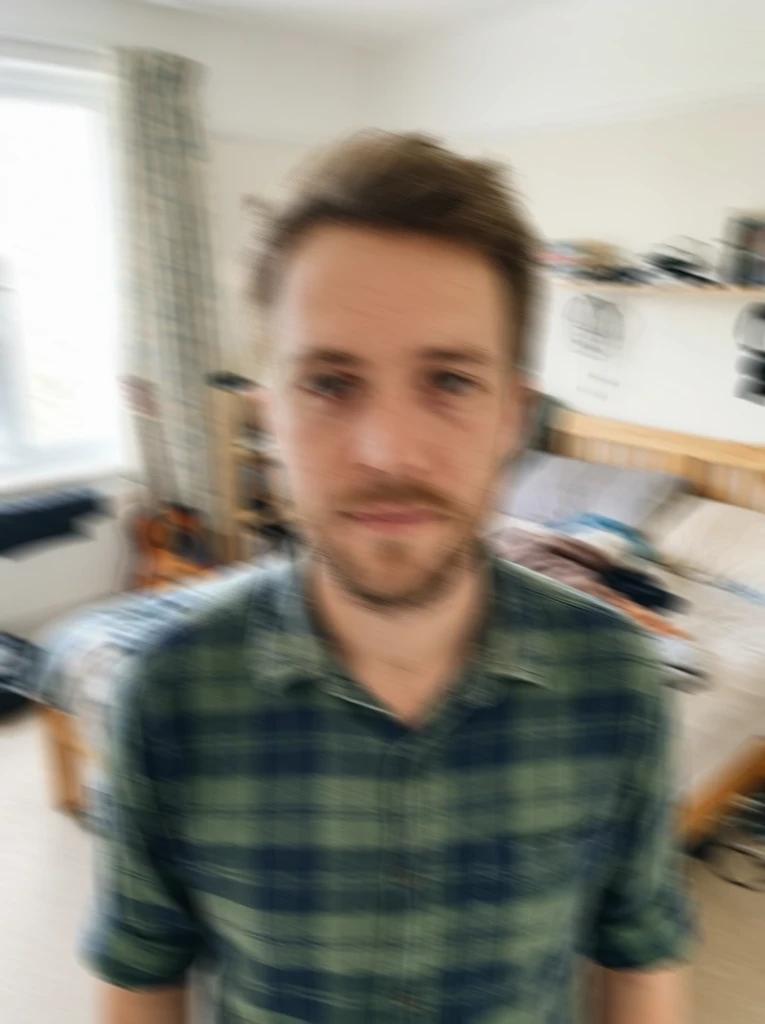 Before
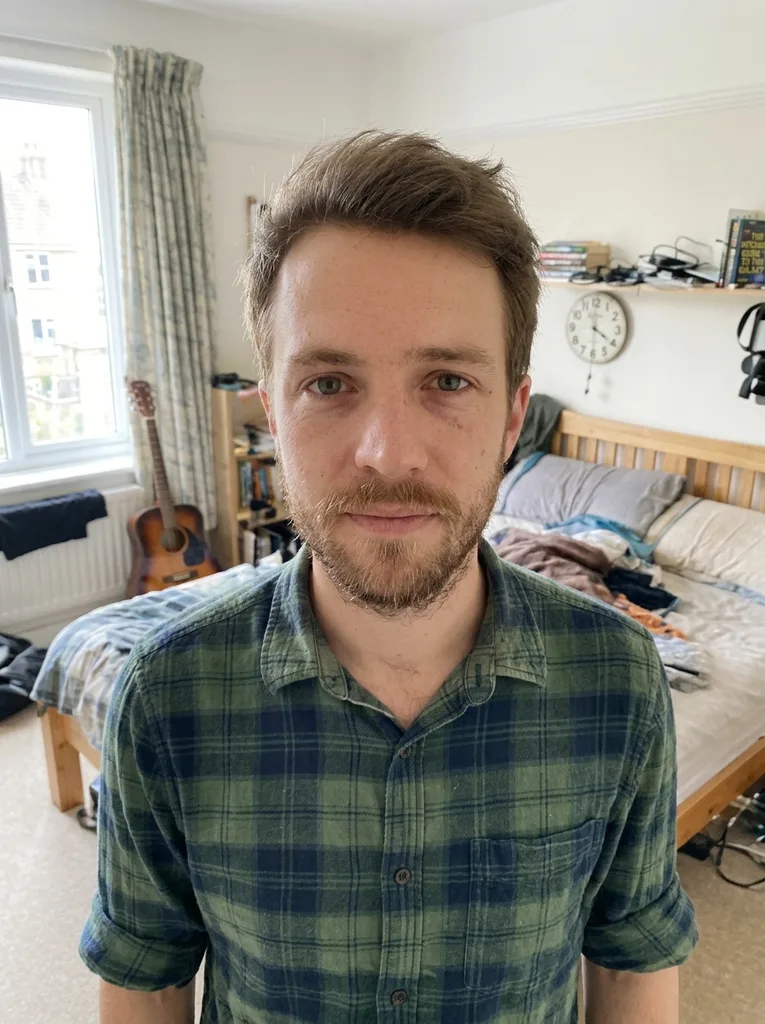 After
Example result. Upload your photo to make yours.
Why unblur an image here: nothing to set
Upload, press one button, compare, download: that is the whole way to unblur an image here.
No sliders, no blur type to pick
There are no presets, no strength slider and no text box on this page. You do not have to know if the blur came from motion or from focus. Upload the photo and press the button.
It redraws detail, not just contrast
A sharpening filter only raises contrast on the pixels already there. This tool is an AI image model that redraws the picture, so edges, texture and small print can be rebuilt. That is also why fine details can change.
Aims to keep the scene as it was
People, colors, lighting and framing are meant to stay the same, with no plastic skin and no added text. It is still an AI edit, so compare it with your original before you use it.
Honest about what it cannot fix
A photo with some detail left recovers best. A shapeless smear has nothing to rebuild from, and the result can look invented. Say no to a result that does not look like your scene.
Your photo stays yours
Your photo is only used to create your images and is never used to train AI models. The result sits beside your original, so you can judge it before you download it. Nothing is added on top: no watermark, no text.
Fits the blur you already have
Out-of-focus shots, motion blur and camera shake all take the same route. You do not pick a mode, so a quick phone-style snapshot and a careful portrait both work the same way.
How to unblur an image online in three steps
Unblur image files without an account: three steps.
- 1
Upload the blurry photo
Click the upload area or drag a JPG, PNG or WebP file in, up to 10 MB. One photo per run, and it is prepared in your browser before it is sent.
- 2
Press Unblur Image
The tool works out the kind of blur and redraws the picture, so there is nothing to choose first. Your result shows up beside the tool when it is ready.
- 3
Compare, then download
Look at the original and the result next to each other, check faces and small text, then press Download. Your first image is free, and the next step after the result is saving it.
Before you unblur image files: six quick checks
Your free image is a single run, so a minute of prep helps.
- Pick the photo with the most detail left. One free image is all you get, so choose the one that matters.
- Slight to moderate blur works best: a soft focus miss, a shaky hand, a slow shutter at dusk.
- Check that eyes, edges or letters are still faintly visible. A pure blob cannot be rebuilt, and no setting changes that.
- Upload the original file, not a screenshot of it or a copy sent through a chat app, which has already lost detail.
- Use JPG, PNG or WebP under 10 MB, one photo at a time.
- Expect a result of about 1024 px on the long side, so a large photo comes back smaller than the file you uploaded.
- To unblur an image of a person, pick the frame where the face is largest.