
Put Two Pictures in One Frame
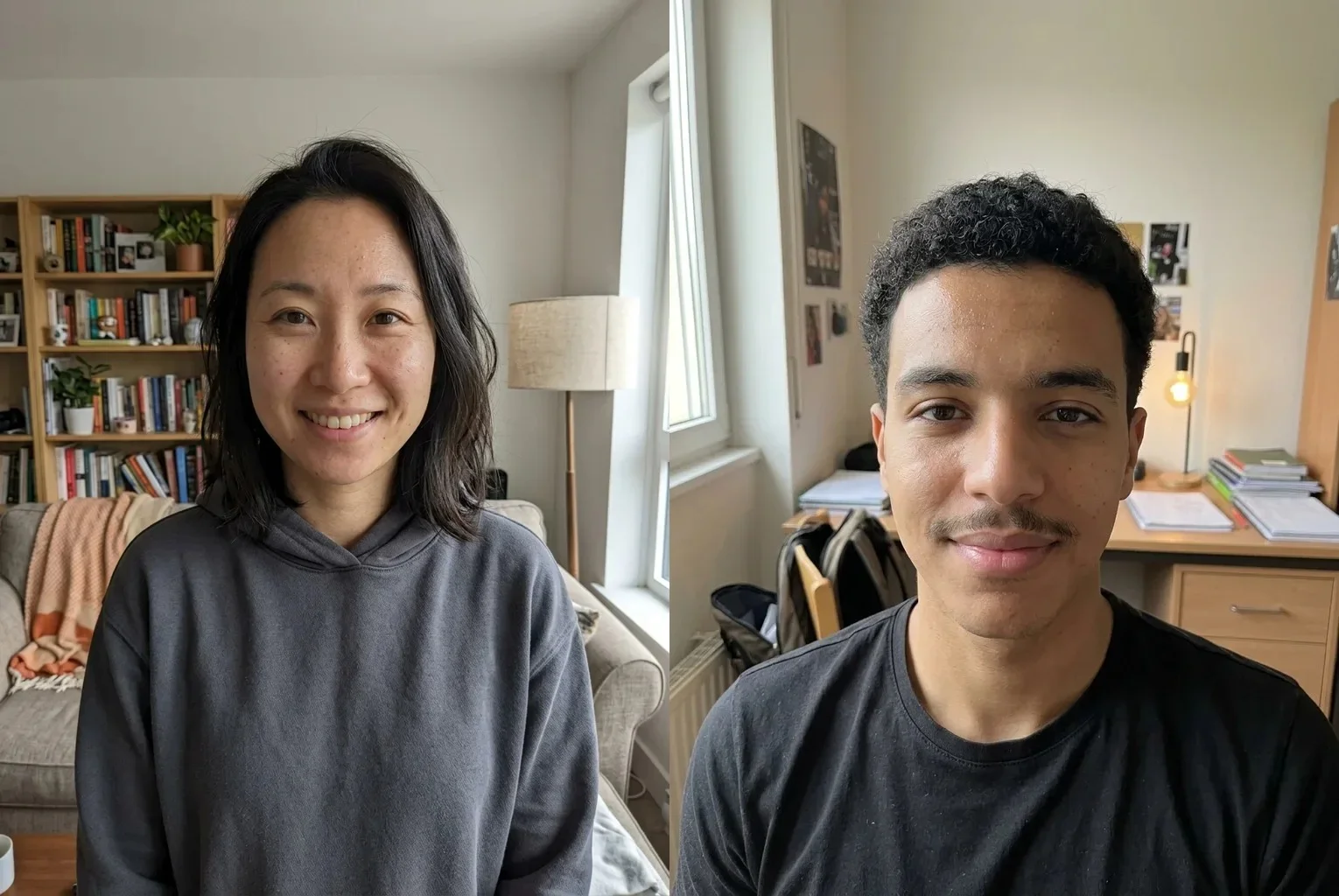
To merge two photos here means placing them next to each other, or one above the other, inside a single image. Each photo stays whole; nothing is blended, cut out or redrawn.
You get the pair as one file you can post, email or paste into a document, instead of two attachments that arrive in the wrong order. Add up to six photos, and from the third one a grid layout is available.
Set the spacing, a border and a background color, or leave the background transparent. Then save as JPG, PNG or WebP.
Made for
- Before and after
- Product pairs
- Screenshots
- Social posts
- Listings
- Family photos
How to Merge Two Photos Into One Image
- 1
Add and order your photos
Click or drop two photos to start; you can add more later, up to six. Drag them or use the arrows to put them in the order you want, left to right or top to bottom.
- 2
Pick the layout and size
Choose side by side or stacked. Same height or same width scales every photo to the largest one; original sizes keeps each photo as it is. Then set alignment, spacing and border from 0 to 200 px, and the background.
- 3
Download one image
Press Merge Photos and check the preview, which shows in a fraction of a second in our test. Then save as JPG, PNG or WebP.
Where a Merged Photo Comes in Handy
Before and after
When you merge two photos for a renovation, a haircut or a retouch, a thin white or black border makes the dividing line clear, so nobody has to guess which half is which.
Product comparisons
Put two colors or two angles of the same item next to each other for a listing or a message to a buyer.
Screenshot pairs
Stack two screenshots into one tall image for a support reply or a how-to, instead of sending two files.
One-post collages
Place two pictures from the same day in one image so a post or a chat shows them together.
Side-by-side choices
Line up two options, such as two outfits or two paint swatches, and send one image to ask which one wins.
Documents and slides
Join a portrait and a landscape shot into one picture for a slide, a form or a printed page.
Listings and sale posts
Show the front and the back of an item you sell as a single picture, so a listing with one photo slot still tells the whole story.
Progress updates
Pair this month's photo with last month's for a fitness, garden or craft log, and keep the same height so the two line up.
Before You Merge Two Photos
Nothing is uploaded
The photos are decoded and merged in your browser and never leave your device. The tool is free to use, with no sign-up and no limit on how many times you run it.
Size limits
The merged image is capped at 16384 px on a side and 100 megapixels, and is scaled down with a note when it would be larger. Same height or same width may enlarge the smaller photo, so it can look softer.
What we measured
On a Mac in Chrome, a 4000 × 5333 and a 3000 × 4000 photo merged side by side into 8000 × 5333 and saved as a 3.0 MB JPG in 0.4 seconds. The same pair stacked as PNG came out at 4000 × 10666 and 24.2 MB. Your device will differ.
It places, it does not blend
This tool arranges photos in a frame. It does not fade one into another or put a person from one photo into another scene.