
Remove Watermark
Remove watermark text, logos, tiled marks and date stamps from photos you own. One free image, no sign-up.
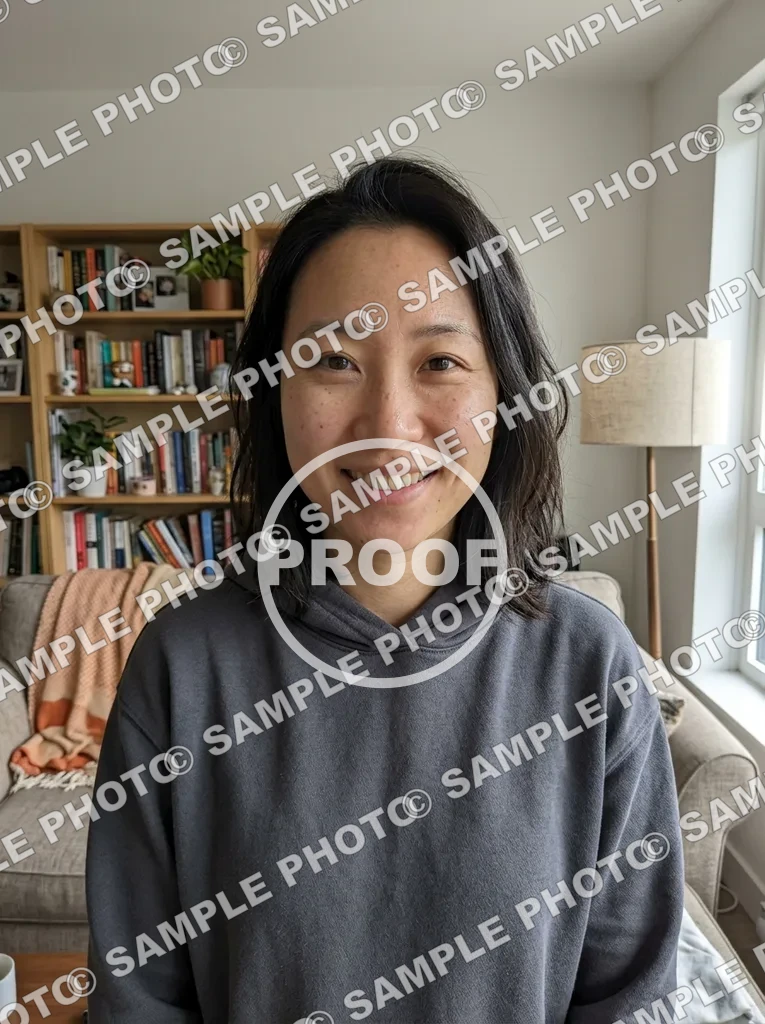 Before
 After
Example result. Upload your photo to make yours.
Remove Watermark Marks of Every Kind
Each preset tells the tool what the mark looks like, so it knows what to clear.
Text watermarks
To remove watermark text, Text Watermark targets a name, URL or caption laid over the photo. The AI rebuilds the pixels underneath from the surrounding texture instead of blurring a patch. That works best when the text sits over a plain sky, wall or skin tone, and less well on dense patterns.
Logos and stamps
Logo or Stamp is for a mark that sits in a corner. If it is small, type where it is, such as "bottom-right corner", in the note box. Without the note, Auto-Detect looks for every logo, text overlay and stamp it can find.
Tiled across the photo
Tiled Across Photo handles a faint mark repeated over the whole picture. It is the hardest case, so compare the result with your original. Faces and fine textures under the pattern are worth a close look before you use the file.
Date stamps
To remove watermark dates, Date Stamp clears the date and time burned into a lower corner of scanned prints and old camera shots. These small orange or white digits are usually the easiest mark to clear.
A note instead of a brush
There is no brush or mask on this page. You describe the mark in words, and the note is added to your request.
How to Remove Watermark Marks in 3 Steps
- 1
Upload your photo
Drop in a JPG, PNG or WebP up to 10 MB. Use only photos you own or have permission to edit.
- 2
Pick the watermark type
Choose Auto-Detect, Text Watermark, Logo or Stamp, Tiled Across Photo or Date Stamp. Add a short note if the mark is small or you want one mark left alone. The note is added to your request, so keep it to one clear sentence.
- 3
Compare and download
The result appears beside your original. Check the area where the mark was, especially edges and patterns, then press Download. Because your first image is free and there is one per visitor, this is the step to take slowly.
Before You Upload
What is free
Your first image is free, with no sign-up and no credit card. After that there is no paid plan yet, and a dialog lets you leave an email for when more images are available.
What happens to your photo
Your photo is only used to create your images and is never used to train AI models. The AI model provider keeps the result for a limited time so you can download it.
It is an AI redraw
The tool redraws the picture, so fine details near the mark can change. The result is one image at about 1024 px on the long side.
Remove watermark marks only from your own images
A watermark usually shows who owns a picture. Use this on your own photos or ones you have permission to edit, and not to take credit for someone else's work.