
Colorize Photo
Colorize photo scans from black-and-white or sepia with AI. Your first image is free, no sign-up.
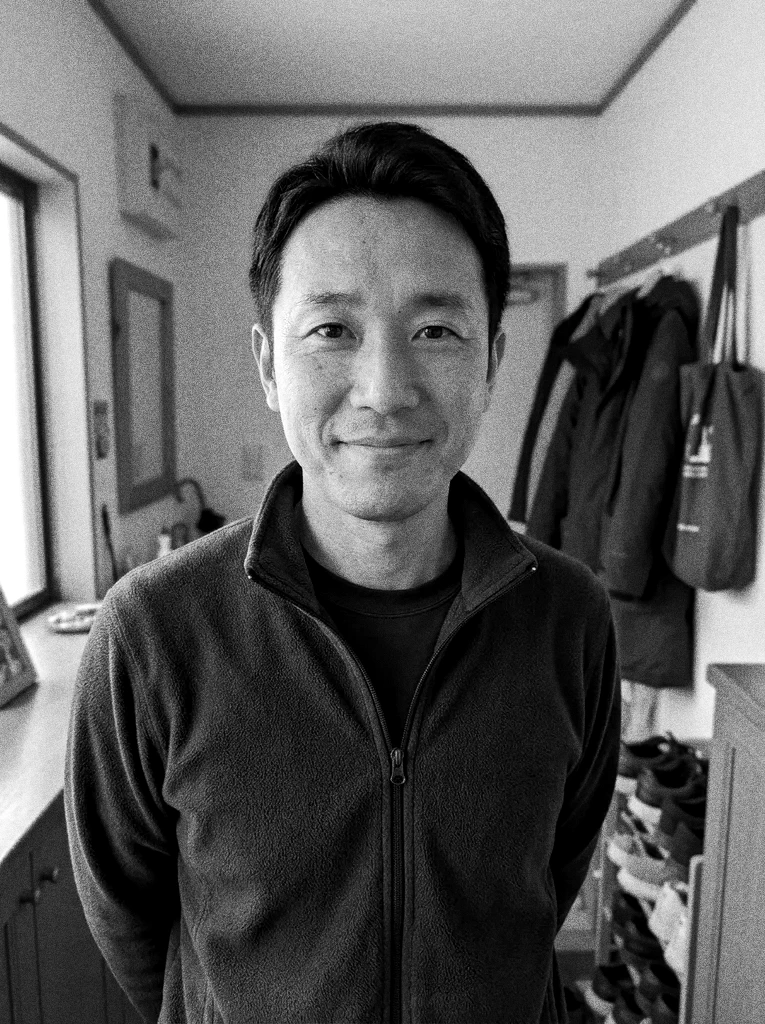 Before
 After
Example result. Upload your photo to make yours.
Colorize Photo Prints, Starting From the Colors You Know
Upload a black-and-white or sepia photo and get a full-color version back.
This tool redraws a grayscale or sepia photo in color. It guesses the colors of skin, hair, sky and clothing from what the picture shows, then paints them in.
A guess is all any tool can make, because the original colors are not stored in a black-and-white photo. That is why the page has a box for the colors you already know, like a red dress or a light blue car. Whatever you leave out, the AI fills in.
The people in the photo are meant to stay as they are: same faces, expressions and clothing style. The result appears next to your original so you can compare the two.
Good inputs are family portraits, wedding photos, school pictures, street scenes and sepia prints. Each run gives you one color image to download, at about 1024 pixels on the long side.
Made for
- Family photos
- Grandparents' portraits
- Old school pictures
- Wedding photos
- Street scenes
- Sepia prints
Pick a Palette, Then Correct the Colors You Know
Three palettes set the overall look. Natural aims for true-to-life skin, hair, sky and surroundings, as the scene would really have looked. Vivid gives richer color, like a modern color photo. Vintage Film goes soft and slightly faded, like a period color film.
When you colorize a photo, the box under the presets is added to your request. Write what you remember, such as "her dress was red and the car was light blue", up to 500 characters. A note about a color can change the palette's default for that item, so write only what you are sure of.
The colors are a believable interpretation, not a record. If a dress color matters to the family, put it in the box and compare the result with what you know.
Prepare the Scan Before You Colorize a Photo
Because your first image is free and counts for the whole site, spend it on the best file you have. A flat, well-lit scan of the print gives the AI the most to work from: faces, fabric and background should all be readable.
Scratches, tears and heavy fading are not repaired by this tool. For a badly damaged print, use the Photo Restoration tool and choose Colorize B&W to repair and colorize it in one run.
If a corner of the photo is cut off or a face is turned away, tell the AI what is there in the box instead of leaving it to guess.
How to Colorize a Photo in Three Steps
- 1
Upload the black-and-white photo
Drop in a JPG, PNG or WebP up to 10 MB. Sepia photos work too. One photo per run.
- 2
Choose a palette and name the colors you know
Pick Natural, Vivid or Vintage Film. In the box, add colors you remember, like "her dress was red".
- 3
Colorize, compare and download
Press Colorize Photo. The result shows next to the original, so you can check faces, clothing and sky before you download it. The free image is one run, so check the colors you typed before you press the button.