
Photo Restoration
Photo restoration for old prints: upload a scan, pick the damage and get a repaired photo. Your first image is free, no sign-up.
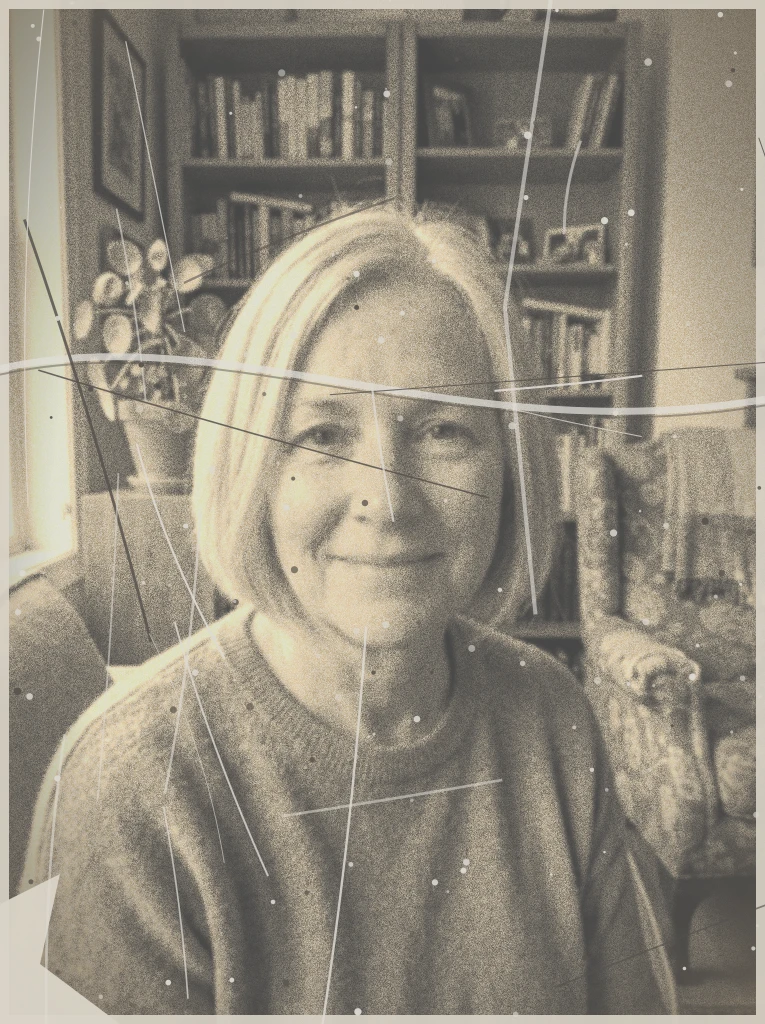 Before
 After
Example result. Upload your photo to make yours.
Photo Restoration by AI or by a Retoucher
Pick by how much control and care the photo needs.
| This tool | Retoucher or Photoshop | |
|---|---|---|
| Cost | One free image, no sign-up | Paid, by the hour or by the photo |
| Control | Pick one damage type, add a note | Every area decided by hand |
| Faces | Redrawn by AI, so check them against the original | Matched to the original by a person |
| Torn or missing parts | Rebuilt by the model, a plausible guess | Rebuilt from other photos or family memory |
| Physical print | Works on your scan only | A conservator can also treat the paper |
| Best for | A quick repair of a family snapshot | One-of-a-kind or heavily damaged photos |
What Photo Restoration Does Here
In short, it means repairing the damage time did to a picture: scratches, creases, fading, stains, tears and soft faces. You upload a scan or a flat, glare-free photo of the print and choose the damage that bothers you most. The AI redraws the photo with that repair as its focus and aims to keep the same people, pose and framing.
There are six damage choices: Scratches & Creases, Faded & Discolored, Water Damage & Stains, Torn & Missing Parts, Blurry & Low-Res and Colorize B&W. You get one image per run, so pick the main problem and mention anything else in the text box.
Because it is a redraw, always compare the result with your original before you print or share it. A restored file is also a safe copy to keep: scan the print once and the digital version stays as it is.
Made for
- Family snapshots
- Faded prints
- Creased photos
- Water-stained photos
- Torn corners
- Black-and-white portraits
Which Photo Restoration Preset Fits Your Damage
Match the photo's worst problem to a preset.
Cracked or folded prints
Choose Scratches & Creases for dust, cracks and fold lines across a portrait or a group shot. Use the text box to name a second problem.
Yellowed, washed-out photos
Choose Faded & Discolored when the contrast is gone or the whole print has a yellow or color cast.
Stained or moldy photos
Choose Water Damage & Stains for blotches, mold spots and discoloration left by a leaky box or a damp album.
Ripped or missing corners
Choose Torn & Missing Parts to rebuild a torn edge or a lost corner so the picture continues naturally.
Soft, low-resolution faces
Choose Blurry & Low-Res to sharpen faces and fine detail as far as the photo allows. Small faces involve more guesswork.
Black-and-white or sepia prints
Choose Colorize B&W to repair the photo and add period-appropriate color. The colors are the model's guess, not the original scene.
How to Restore Old Photos Online in Three Steps
- 1
Scan or photograph the print
Lay it flat, shoot straight on and avoid glare, because shine can hide scratches and faces from the repair. Upload a JPG, PNG or WebP up to 10 MB. A flatbed scan is not required; a clear phone photo works for most prints.
- 2
Pick the damage
Choose the preset that matches the main problem. Then add a short note, such as the crease across a face or the faded corners, up to 500 characters. Scratches & Creases is selected by default.
- 3
Compare and download
The result appears beside your original. Check the faces and fine details against it, then save the repaired photo with Download.